








GOPRACFree for now
Standard
Free
The complete tuner. The metronome with dotted rhythms and spoken counting. Recording, sharing your results, plan codes, and free scores to practise with.
Music practice for iPhone
A metronome, a tuner, an ear trainer and a score library that plays back to you — gathered into one quiet circle, so nothing stands between you and the music.
♩ = 72 · this page is keeping time
Overture
Most practice apps keep adding things. GoPrac keeps taking them away — until all that’s left is the beat, the note, and you.
Practice
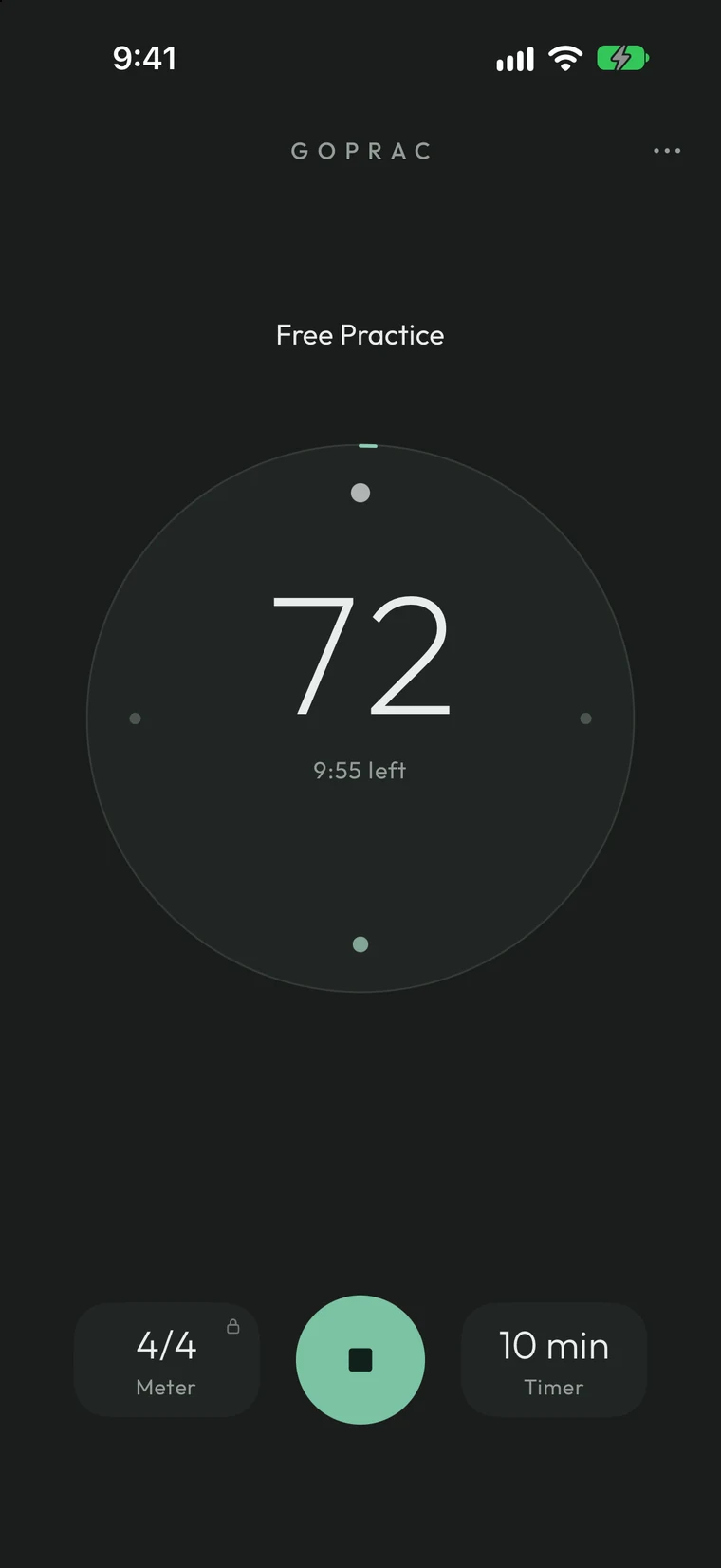
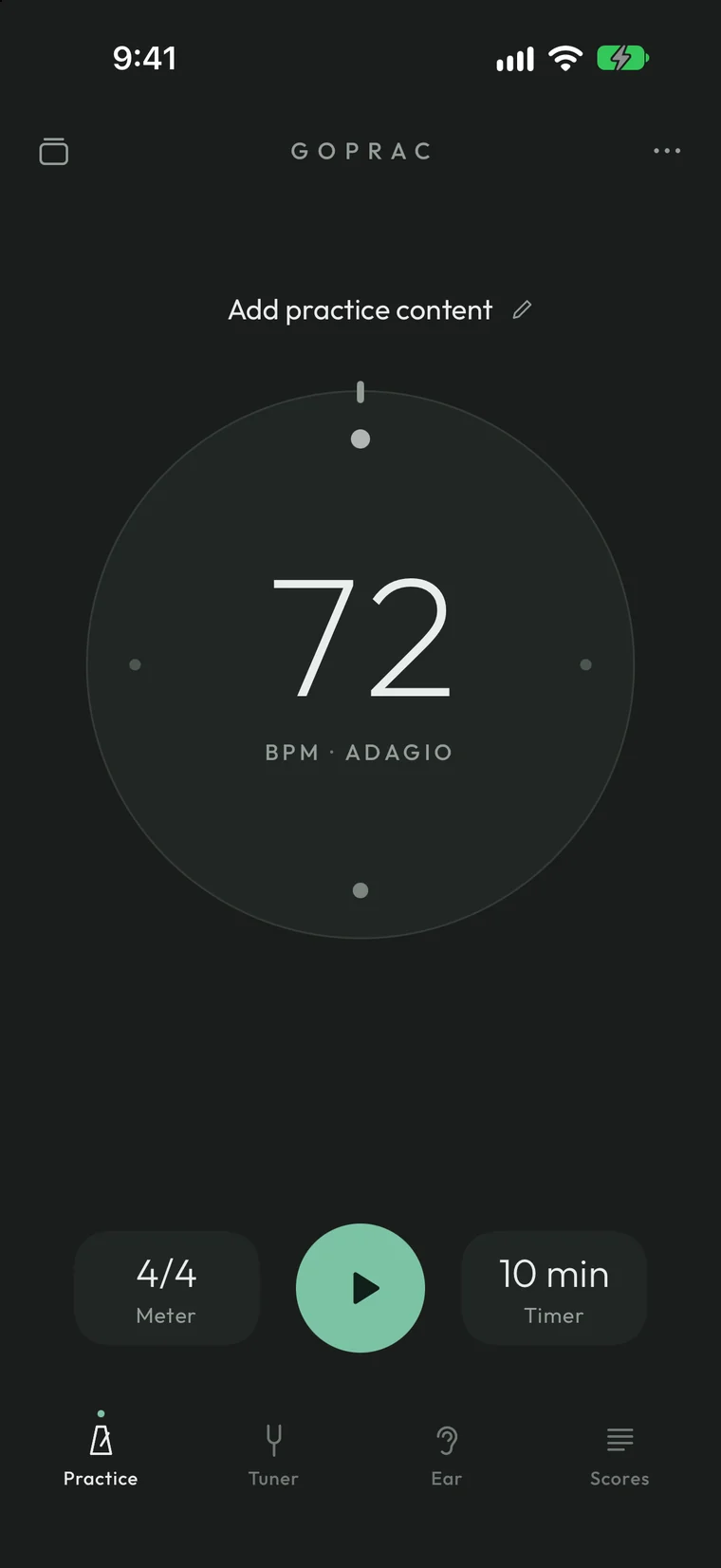
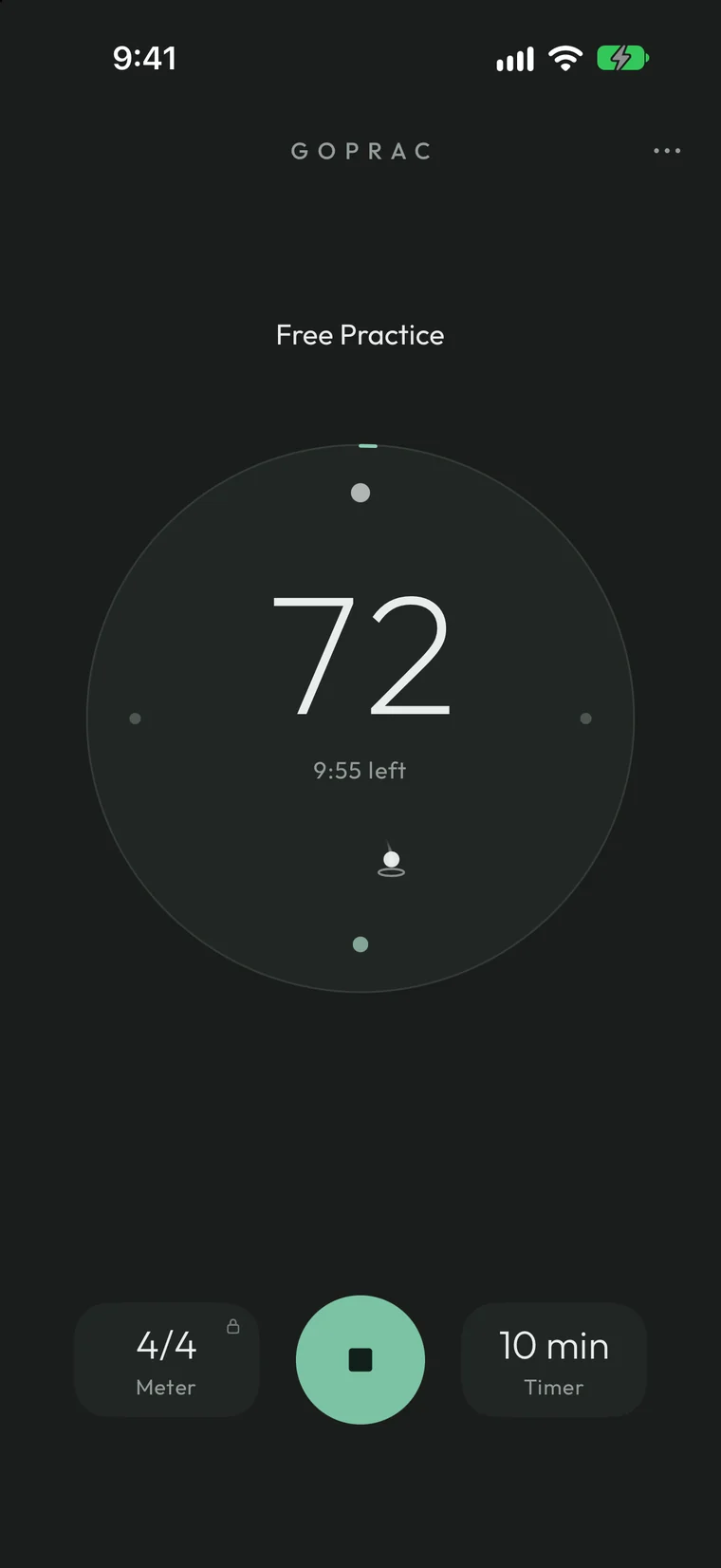
Turn the ring to set the tempo — anywhere from 30 to 999 BPM. Tap the tiles for metre and timer, then press once to begin. The screen clears while you play, and a single dot travels the circle so you always know where you are in the bar.
Try it — drag around the ring to change the tempo, then press play.
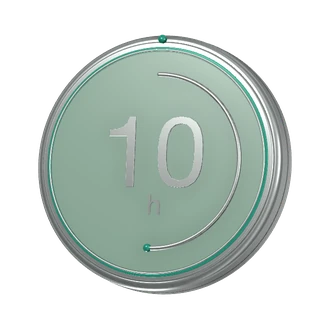
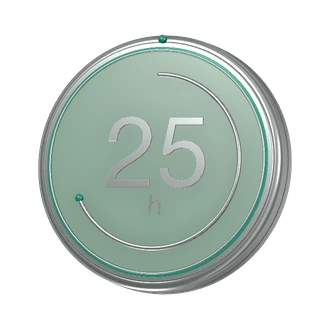
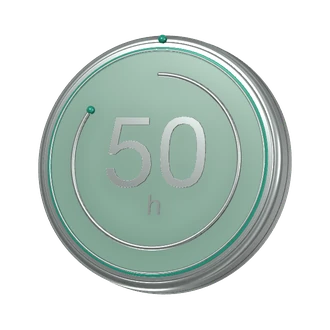
Thirty-six medals for the long road — from your first five minutes to your five-thousandth day.
Achievement medals · in the appTuner
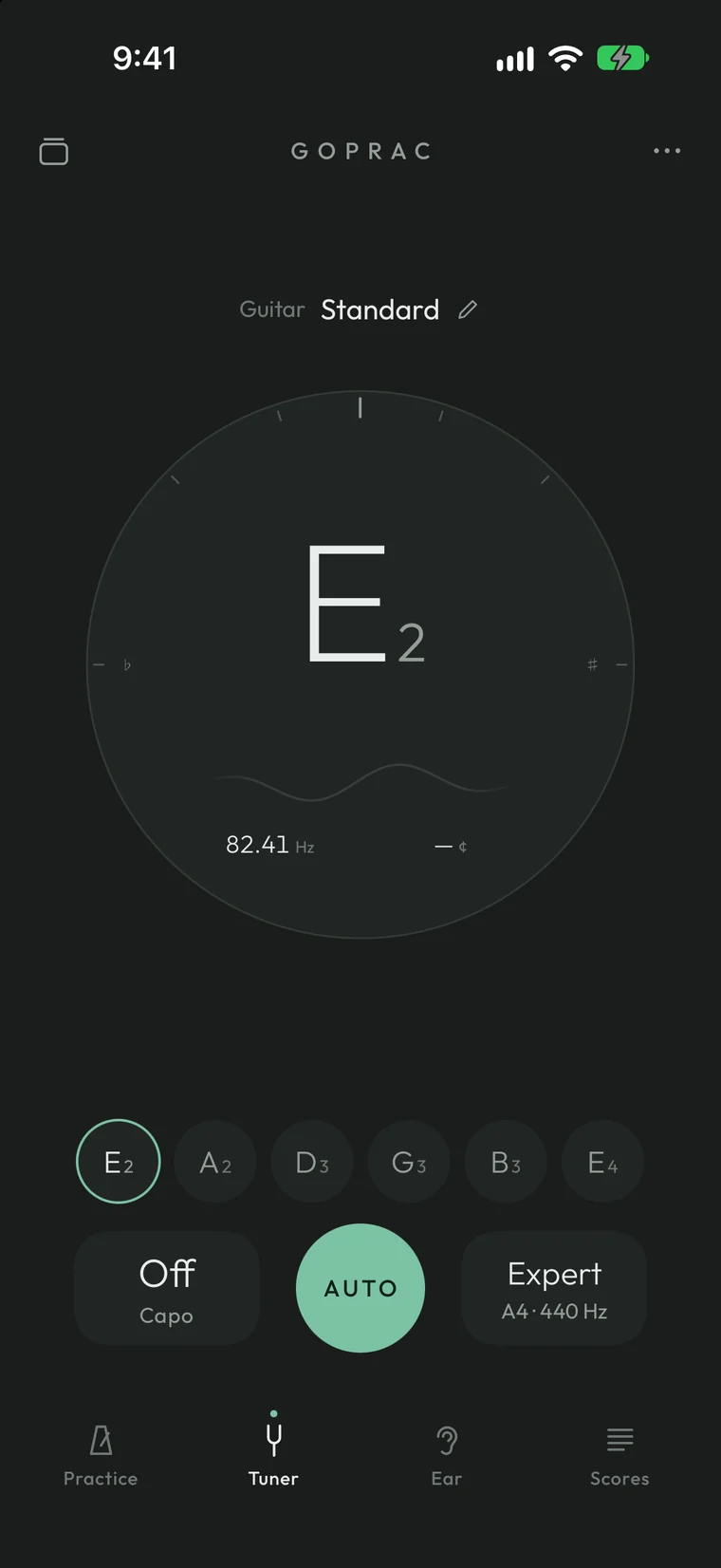
GoPrac listens, finds the string and shows you exactly where you are — the note, the hertz, the cents, and two waves that slide into one as you reach pitch.
Hertz and cents, for everyday tuning.
Twice as strict, for the studio and the ensemble.
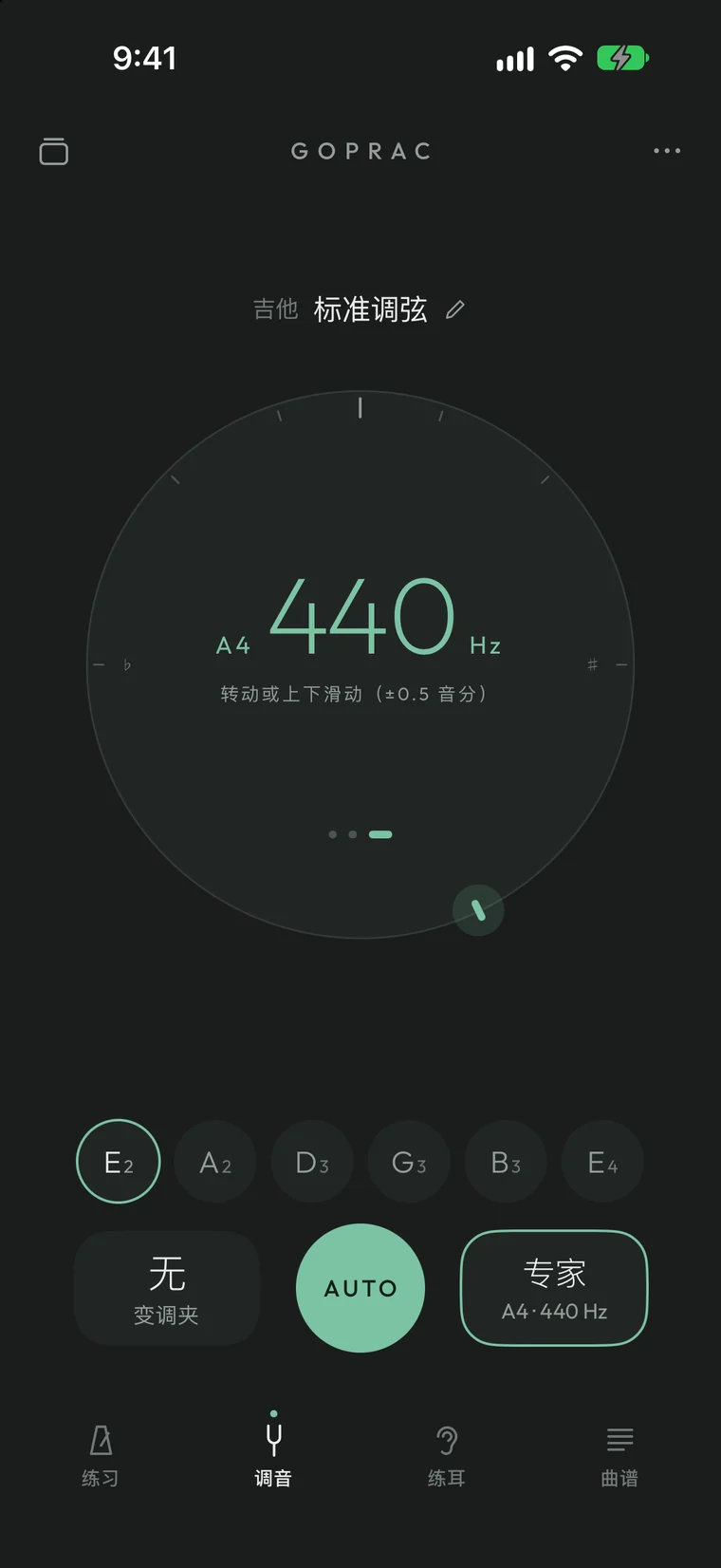
Set concert A for your orchestra, right on the dial.
Ear
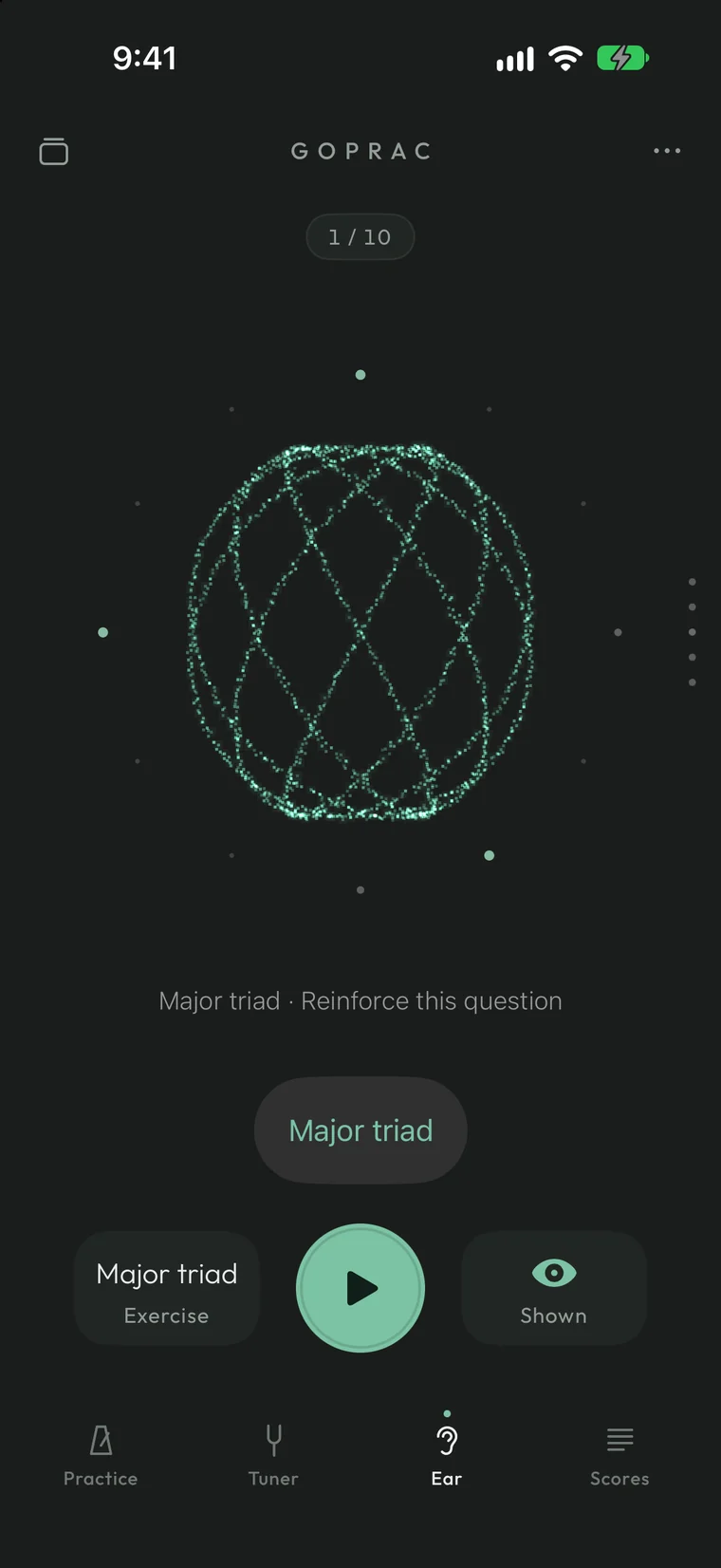
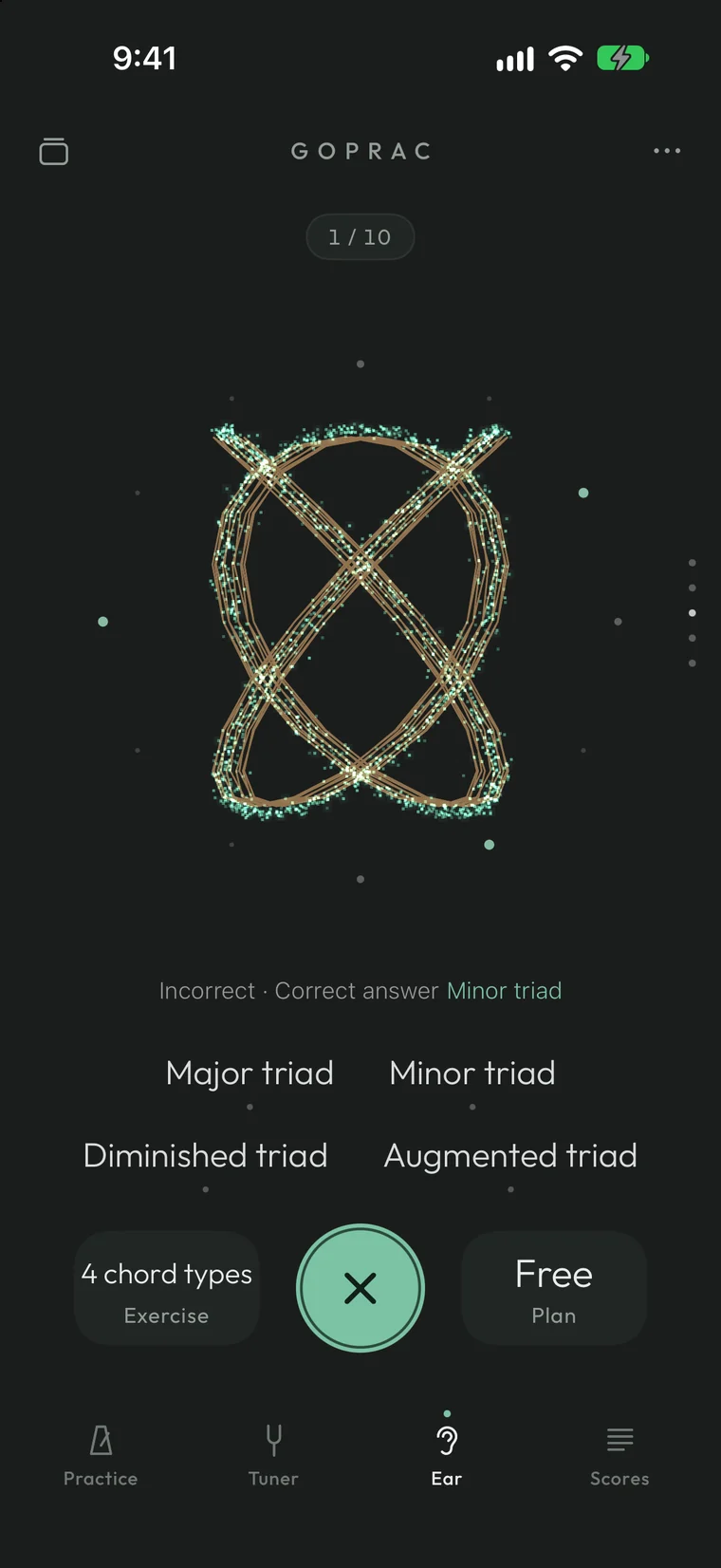
Every interval has a shape. Two notes draw a Lissajous curve; three notes turn it into a slowly spinning knot. Answer — and if you miss, your choice appears in amber beside the right one, so you can see the difference as well as hear it.
Choose an interval to hear it — and watch it draw.
Scores
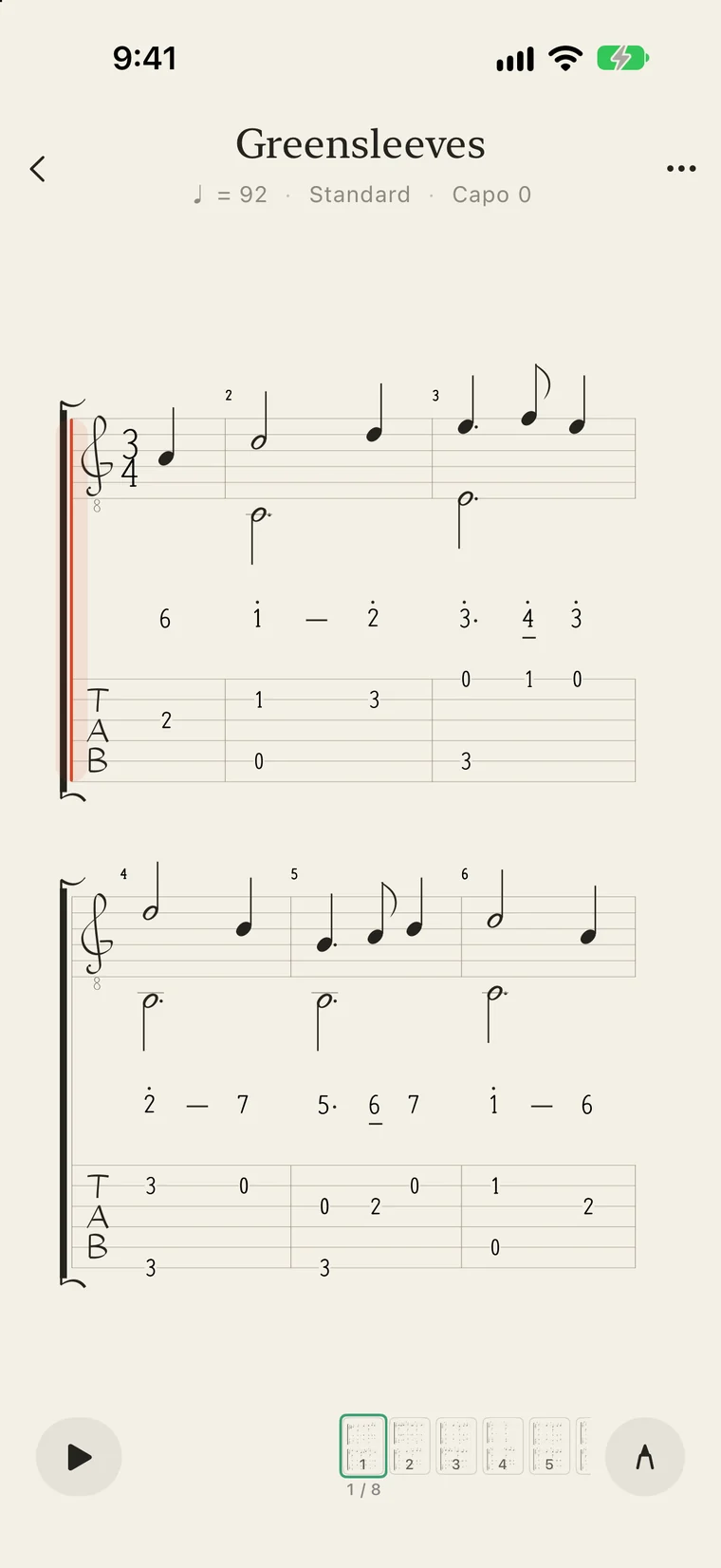
Import Guitar Pro, MusicXML or MIDI and GoPrac sets it like a printed page — standard notation, tab and numbered notation, together or apart. Press play: the cursor walks the bars, the metronome joins in, and you can slow to 50%, loop a passage, or hear the melody sung back in solfège.
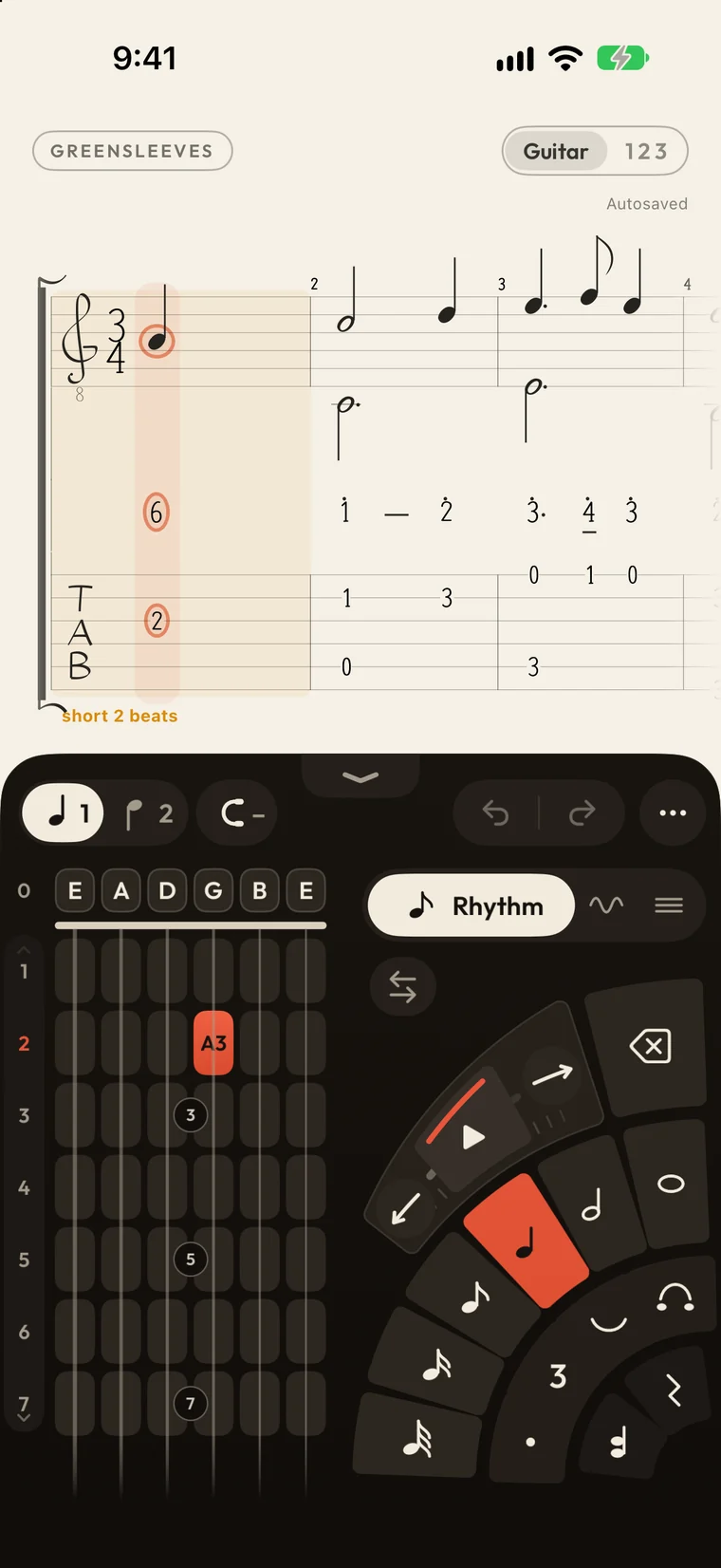
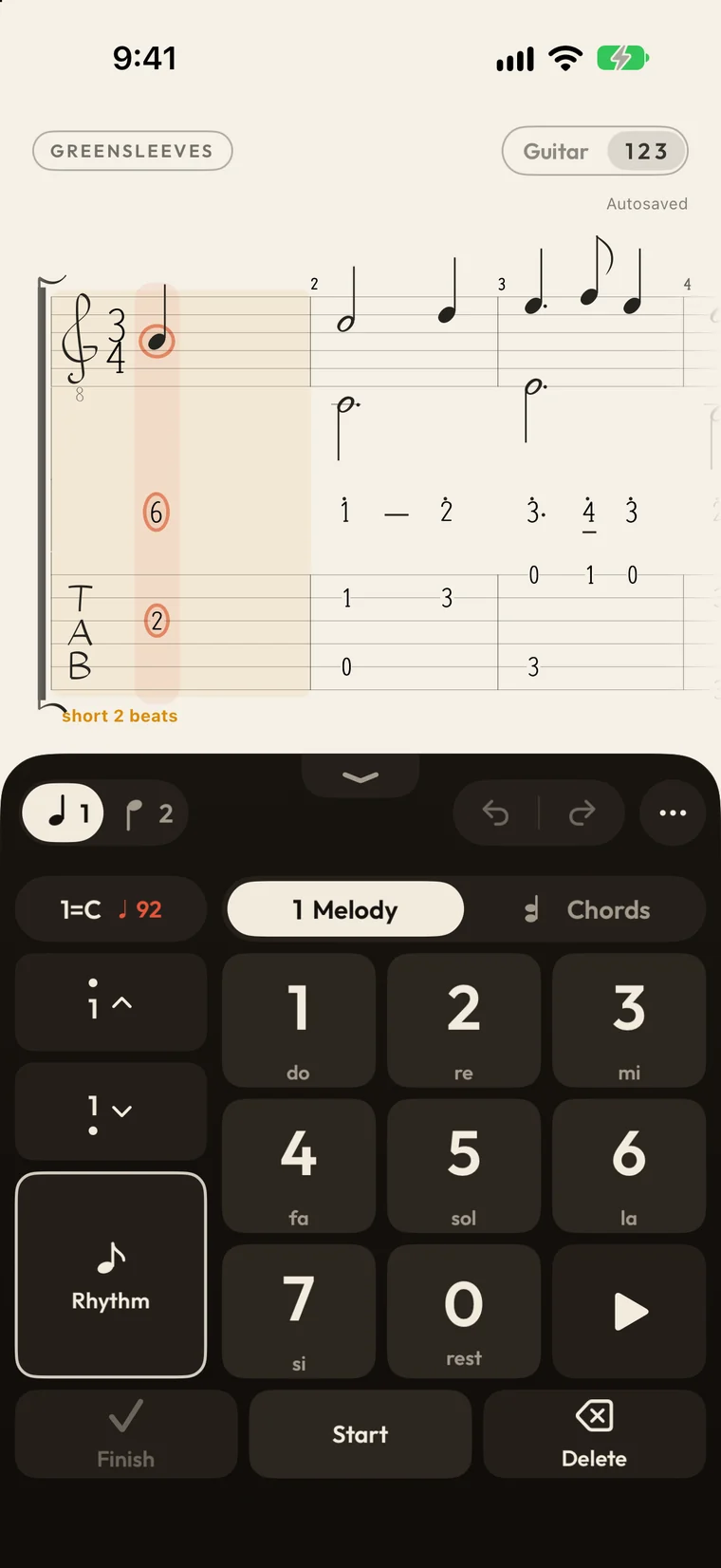
Sketch your own: a guitar neck or piano keys with a fan of note values, or a numbered pad you tap in time and then fill with chords.
GoPrac designs a poster for each score from its title, composer and instrument — ten styles, from aurora to overprint. Or open the Poster Room and make your own.
Import in batches, send files from your computer over Wi-Fi with a six-digit code, or swap scores with up to eight friends nearby in a Local Band.
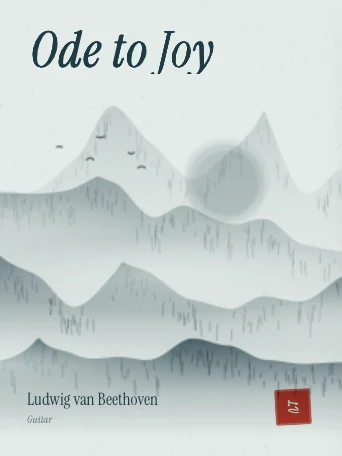
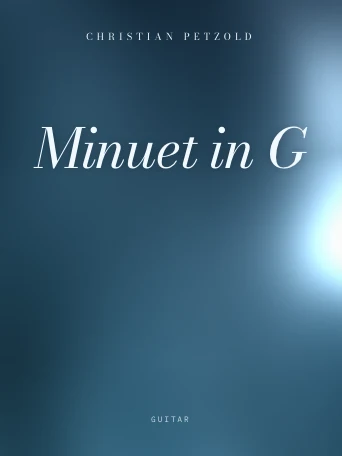
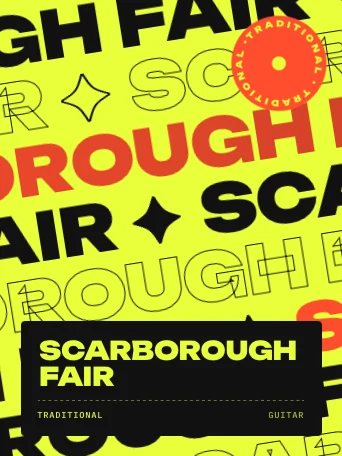
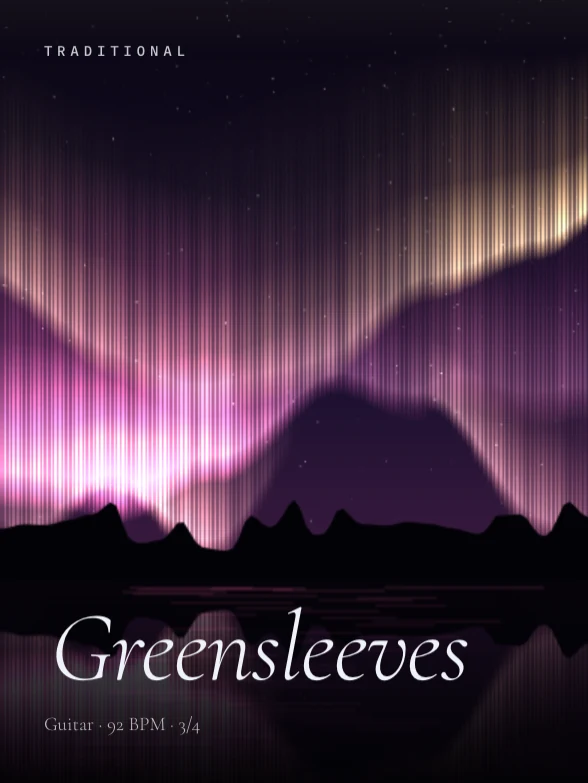
Every cover above was designed by GoPrac itself. Export a moving score as video, or print it, where the score’s licence allows.

GoPrac Fret
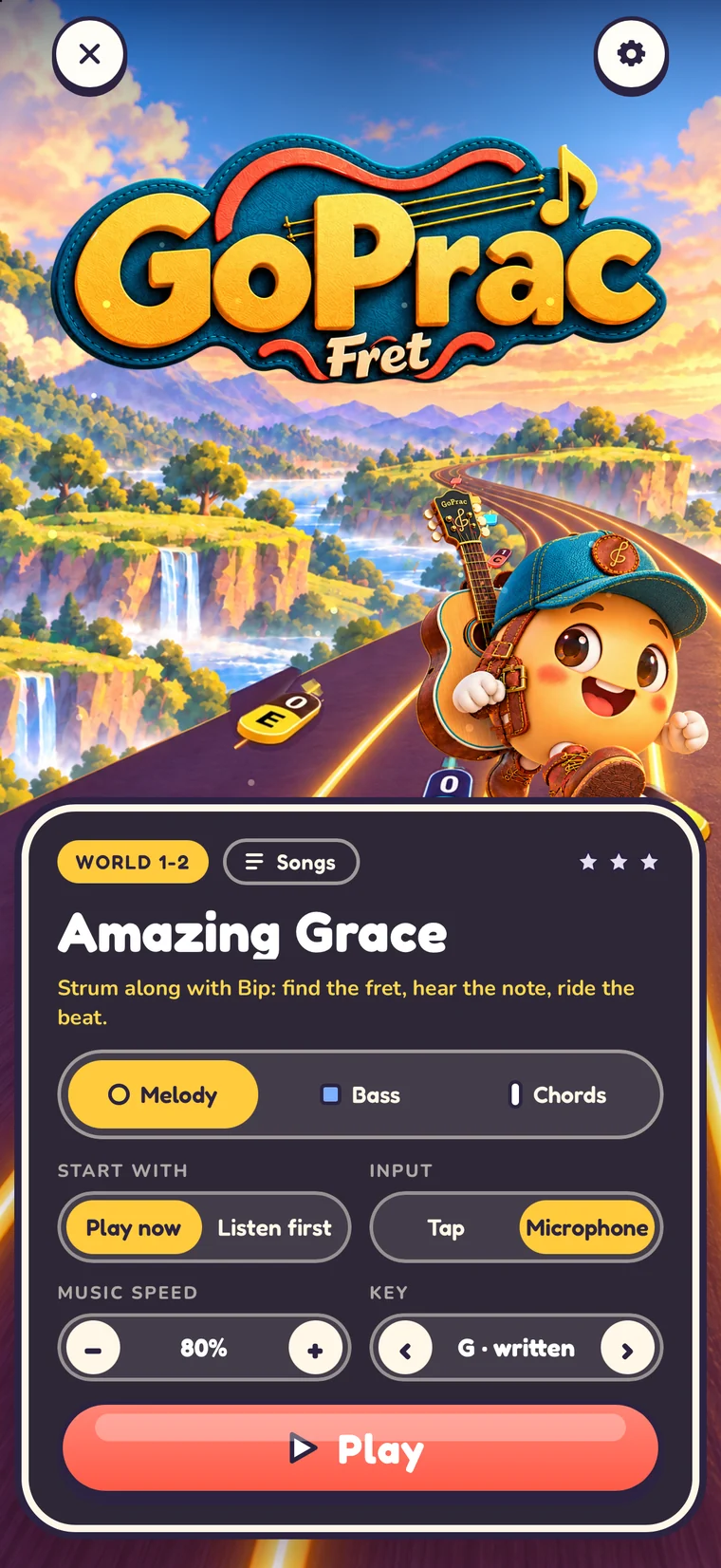
Inside GoPrac lives a game. Notes fall down six glowing lanes, one for each string, with the fret number on the leading edge. Pick up your guitar, switch on the microphone, and GoPrac Fret listens as you play along.

Meet Bip — your bandmate on the road.
Who it’s for
Begin with the dial and a five-minute goal. GoPrac counts only the time you really play — and your first medal arrives quickly.
Tune in seconds, read staff and tab side by side, and turn your Guitar Pro files into a game.
Numbered notation, solfège playback, and ear training that answers to your voice.
Intervals, chords, cadences and dictation, laid out as a plan you can follow day by day.
Share plans with a simple code, and manage your classes and students in one place.
Privacy
Beat, tuning and ear analysis run on the device, and your practice data stays with you. There are no advertising SDKs and no ad tracking. Plans travel through your own iCloud — only when you choose to sync or share them.
Membership
The complete tuner. The metronome with dotted rhythms and spoken counting. Recording, sharing your results, plan codes, and free scores to practise with.
Everything in Standard, plus ear training, theory cards, your own plans, history and analysis, score import, numbered-notation sight-singing, the chord library, export and print.
Everything in Personal, plus classes and student management for teachers.
Prices are shown in your local currency in the App Store.
Fine
GoPrac · signed and sealed